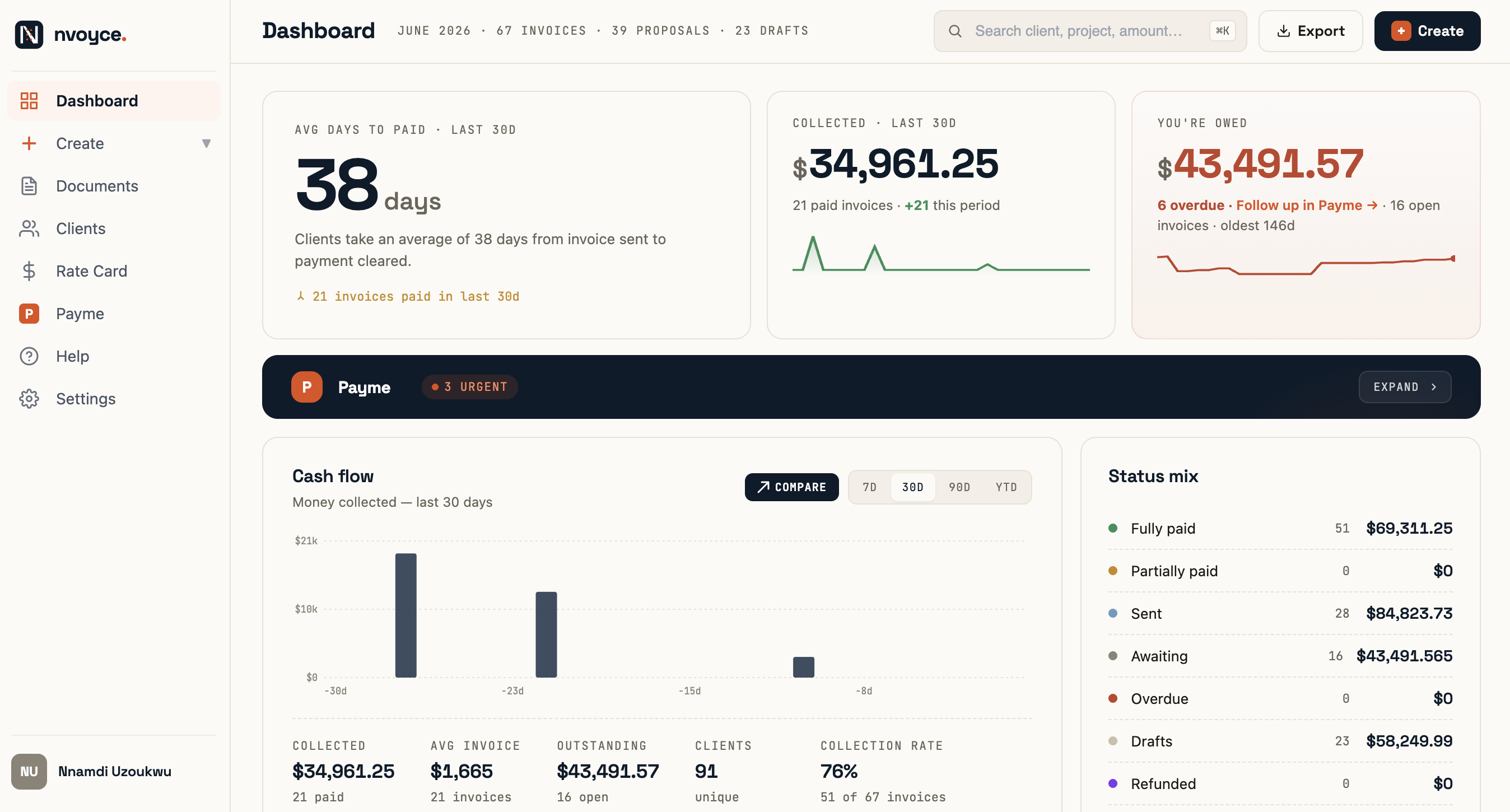
If you freelance for a living, getting paid is not one task. It is a chain.
You write a proposal. The client takes a week to reply. They accept. You spin up an invoice in a separate tool. You generate a payment link somewhere else. You set a reminder in your calendar in case they go quiet. And when the due date passes, you sit at your desk trying to write a follow-up email that does not sound desperate.
Every step is a tool, a context switch, or an awkward decision. By the time the money lands, you have touched four or five different products, each one solving a quarter of the problem and leaving the rest on you.
This post is about how to find software that runs the whole chain, and how the leading options in 2026 stack up.
Why most freelancers use 4 tools to get paid (and what it actually costs them)

The freelance billing stack tends to grow by accretion. You start with a free invoice template from Canva or invoice-generator.com. Clients eventually ask for proposals, so you grab a proposal tool. You add Stripe for payments. You bolt on a calendar reminder for follow-ups. Each tool was a one-decision answer to a one-step problem.
The total cost is real. Time spent re-entering client details across four products. Brand inconsistency between your proposal PDF, your invoice template, and your follow-up email. Missed reminders because the calendar nudge fired during a shoot. Lost revenue from invoices that went stale because nobody was watching.
The average independent professional spends several hours a week on admin and billing. Most of that time is not the actual document creation. It is the seams between tools.
The full-loop test: 5 questions to ask before paying for any new tool
Before you sign up for anything, run it through these five questions. If the answer is no to any of them, you are looking at a single-feature tool, not a billing system.
- Does it generate the proposal and the invoice, in the same product, from the same client record?
- When the client accepts the proposal, is the invoice created automatically, or do I do it manually?
- Is the payment link embedded in the invoice, or does the client have to log into a portal to pay?
- When the due date passes, does it send reminders on its own?
- When a client goes quiet, can it draft a follow-up message in my voice that I can send in one click?
Most tools answer yes to one or two of these. Very few answer yes to all five.
The proposal stage: what to look for in a tool that does not stop at signature
A good proposal tool does three things. It produces a document that looks like you sent it from your studio, not from a SaaS template. It sends to a public link the client can open without logging into anything. And it tracks acceptance so the next step happens without you.
That third part is where most tools fail. The proposal gets signed, you get an email, and now you are back to copying numbers into an invoice. The signature is treated as the end of the workflow when it should be the start.
Look for tools that explicitly describe what happens after acceptance. If the marketing page only talks about templates and AI writing, the rest of the loop is on you.
Auto-creation of invoices on proposal acceptance: the step nobody writes about
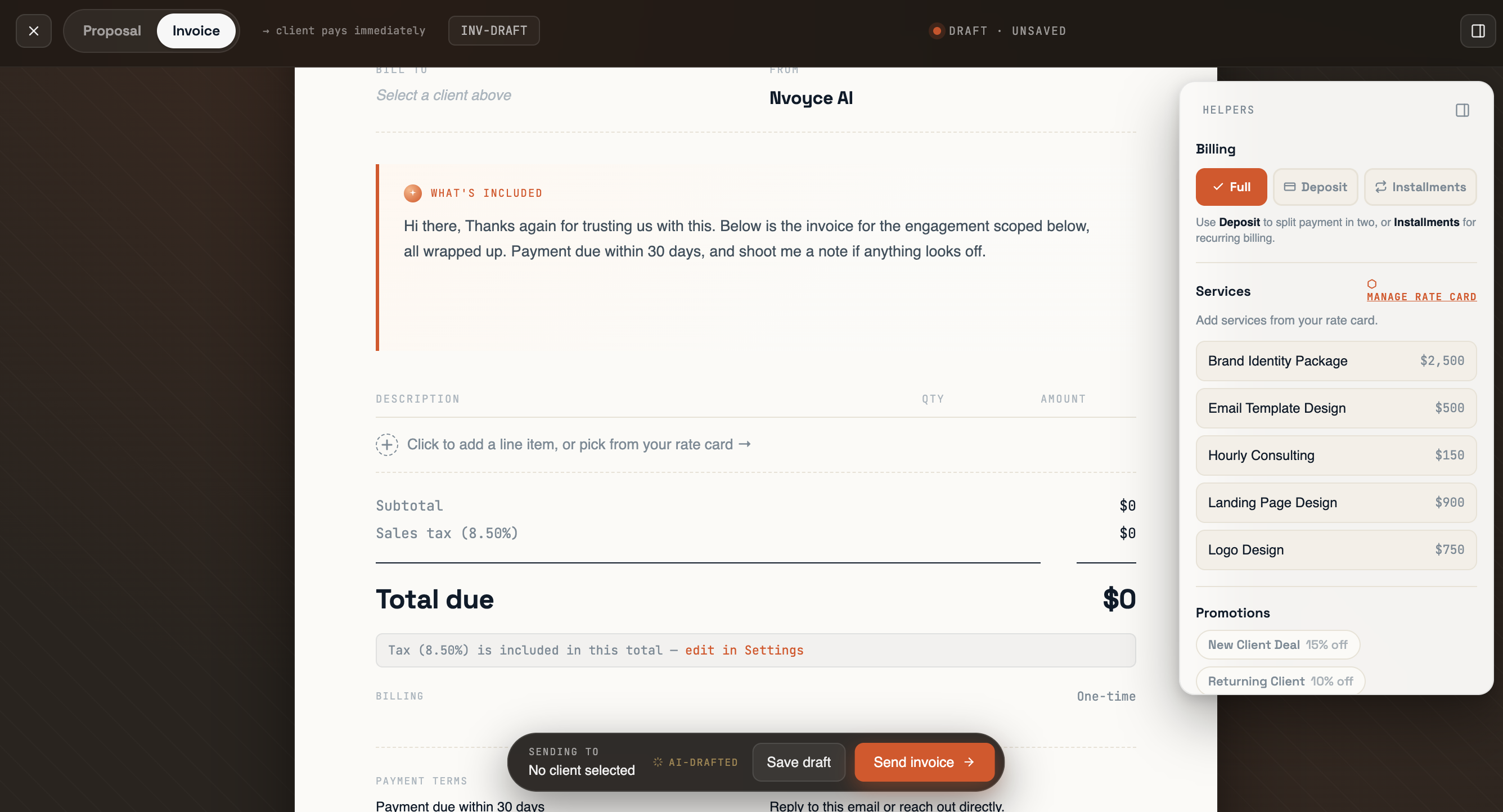
This is the step that separates a proposal tool from a billing platform.
When a client accepts your proposal, three things should happen automatically. The invoice is created with the same line items, amount, and client info. A Stripe payment link is attached to it. And both you and the client are notified. You should not have to touch a thing.
This sounds obvious. It is also rare. HoneyBook does a version of it but charges $36 a month for the privilege. Bonsai does it within its proposal-to-invoice flow but locks the AI features behind higher tiers. Wave does not handle proposals at all. Plutio does it but bundles in a CRM, time tracking, and a help desk you did not ask for.
The simplest implementation is the right one. Accept the proposal, generate the invoice, attach the payment link, send it. Done.
Stripe-native payment links vs. payment portals: the payout-speed difference
There are two ways billing software handles payments.
Option one. The tool gives the client a payment link that runs through your own Stripe account. The money lands in your bank on Stripe's standard payout schedule, usually 2 business days for established accounts.
Option two. The tool processes payments through its own merchant account and pays you out on its schedule. This is how some platforms handle initial payouts, and it is the source of the 7 to 10 business day complaints that show up regularly in 2026 reviews.
Stripe-native is faster, more transparent, and lets you see every transaction in your own dashboard. If a tool is vague about who actually holds the money between when the client pays and when it lands in your account, ask before you sign up.
Automated reminders that do not sound robotic
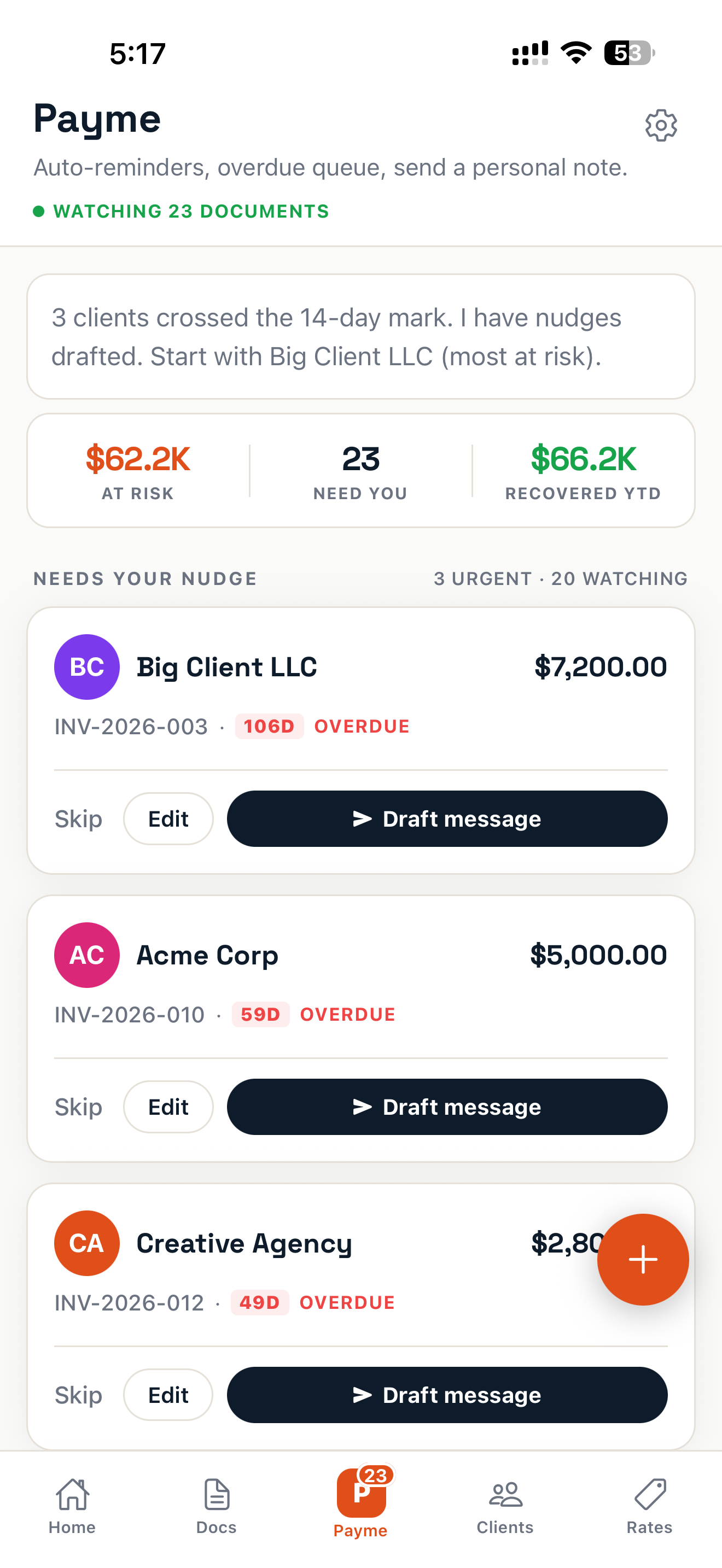
Every modern invoicing tool now claims automated reminders. Wave sends a 3, 7, 14 day cadence. Bonsai sends overdue follow-ups. HoneyBook fires AI-drafted nudges. So the question is no longer whether the tool reminds people. It is how.
Most automated reminders are dunning emails. "This invoice is now overdue. Please remit payment." They are cold, generic, and they go out under your name to a client you may want to work with again.
A better approach is to draft the message in the user's voice and let them review it before it sends. That is what Nvoyce's Payme assistant does. You pick the tone, friendly, firm, or final notice, and it produces a send-ready message that reads like a person wrote it. You read, edit if you want, and send. The relationship stays intact. The money still lands.
The bar to clear in 2026 is not "does it remind." It is "can I send the reminder without cringing."
Side-by-side: HoneyBook, Bonsai, Plutio, Wave, and Nvoyce on the full flow
A quick comparison of the five most-considered tools, scored on the five-question test from earlier in this post.
HoneyBook ($36/mo, was $19 before the 2026 price hike). Full loop, yes. Proposals, invoices, payment, reminders, AI features. The catch is that it is built as a CRM-first platform with a Kanban board, a client portal, and project management on top. Solo freelancers pay for surface area they do not use. The 89 percent price increase pushed many of them out the bottom.
Bonsai ($25 to $79 per user per month). Strong full-flow tool. Proposals, contracts, invoicing, time tracking, all in one. The historical friction is 7 to 10 business day payout delays on initial payments, and pricing that has bounced enough in 2026 to make budgeting hard.
Plutio ($19/mo flat). Same price as Nvoyce, broader feature surface. Proposals, contracts, invoicing, CRM, time tracking, help desk, client portal. If you want an all-in-one, this is the leading $19 option. The trade is that you pay attention cost in features you will not touch.
Wave ($16 to $19/mo Pro). Free starter plan still exists. Strong on invoicing and bookkeeping. Does not handle proposals. The automated reminders are a fixed 3, 7, 14 day cadence, not customizable. Good if invoicing is the whole job. Not a full-loop tool.
Nvoyce ($19.99/mo Solo, $39.99/mo Team). Narrow on purpose. Proposals, AI-generated invoices, Stripe-native payment links, automatic reminders, and the Payme assistant that drafts the follow-up message in your voice. No CRM, no Kanban, no time tracking. If you want one tool to run the full arc from proposal sent to invoice paid, and you do not want the surface area of HoneyBook or Plutio, this is the option built around that constraint.
What to do next
If your current billing setup is four tools and a calendar reminder, the question is not whether you need a single platform. It is which one fits the way you actually work.
If you run a small agency with a real CRM and time-tracking need, HoneyBook or Plutio. If you mainly invoice and do not send proposals, Wave at the free tier. If you want the simplest possible loop, proposal in, invoice out, payment in your bank, no surface area you will not touch, Nvoyce is built for exactly that.
You can try it free for 7 days at nvoyce.ai. No credit card required, full Solo access. Send one proposal through the loop and see whether the seams disappear.
FAQ
What is the best HoneyBook alternative for solo freelancers in 2026?
For most solo freelancers, the simplest options are Nvoyce ($19.99/mo, AI-native proposal-to-paid flow), Wave (free starter, Pro at $16 to $19/mo for invoicing only), or Plutio ($19/mo all-in-one). HoneyBook moved upmarket with a $36/mo Starter tier in 2026, which is what pushed many solo freelancers to start comparison shopping. See the full breakdown: HoneyBook just doubled their prices. Here's what freelancers are actually switching to.
Does Bonsai delay freelancer payouts?
Bonsai users have reported 7 to 10 business day payout delays on initial payments in 2026 reviews. Tools that use Stripe-native payment links, including Nvoyce, typically pay out on Stripe's standard 2-business-day schedule because the merchant of record is the freelancer's own Stripe account.
What does Nvoyce do that HoneyBook does not?
Nvoyce is purpose-built for the proposal-to-paid loop in one product: AI-generated proposals and invoices, Stripe-native payment links, automatic reminders at day 14 and day 30, and a Payme assistant that drafts follow-up messages in the user's voice. It does not include the CRM, Kanban board, or project management surface that HoneyBook bundles, which is what keeps it at $19.99/mo versus HoneyBook's $36/mo.
How much does Nvoyce cost?
Nvoyce Solo is $19.99 per month with unlimited invoices and proposals. Nvoyce Team is $39.99 per month with multi-seat workspaces and white-label proposals. A 7-day free trial is included with full Solo access and no credit card required.
What is the cheapest freelance invoicing tool with automated reminders?
Wave's free starter plan includes basic invoicing with a fixed 3, 7, 14 day reminder cadence at no cost, but it does not handle proposals. Among paid tools that handle the full proposal-to-paid loop with customizable reminders, Nvoyce and Plutio share the lowest price point at $19 to $19.99/mo.